
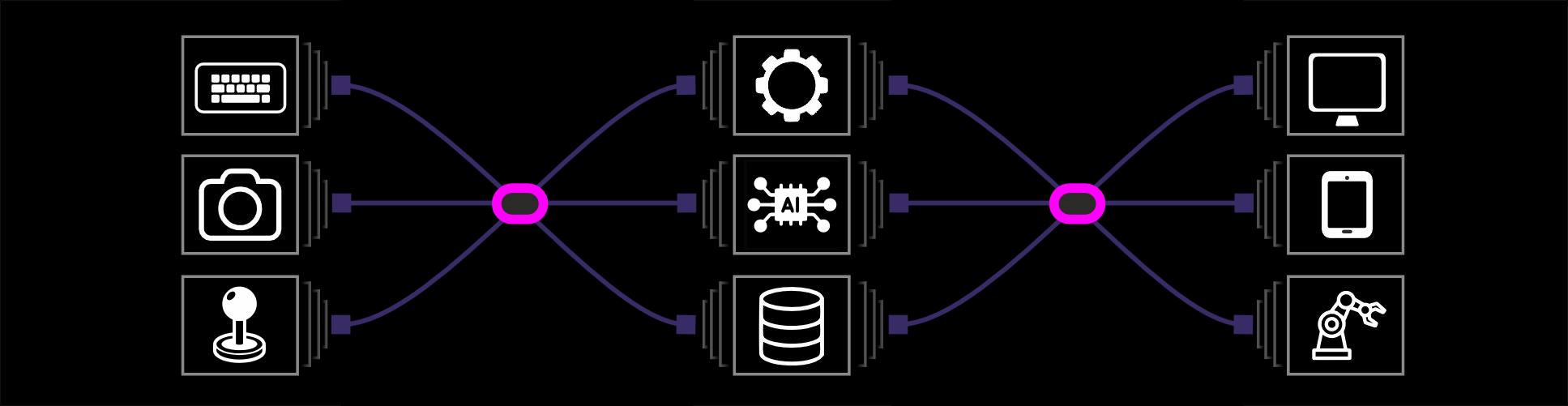
ioframer is a focused 2D interactive framework for building immersive installations and custom interfaces—without heavy coding. Design screens, drop in interactive elements, and define behavior using a clear, component-based workflow.
Component-Based Canvas
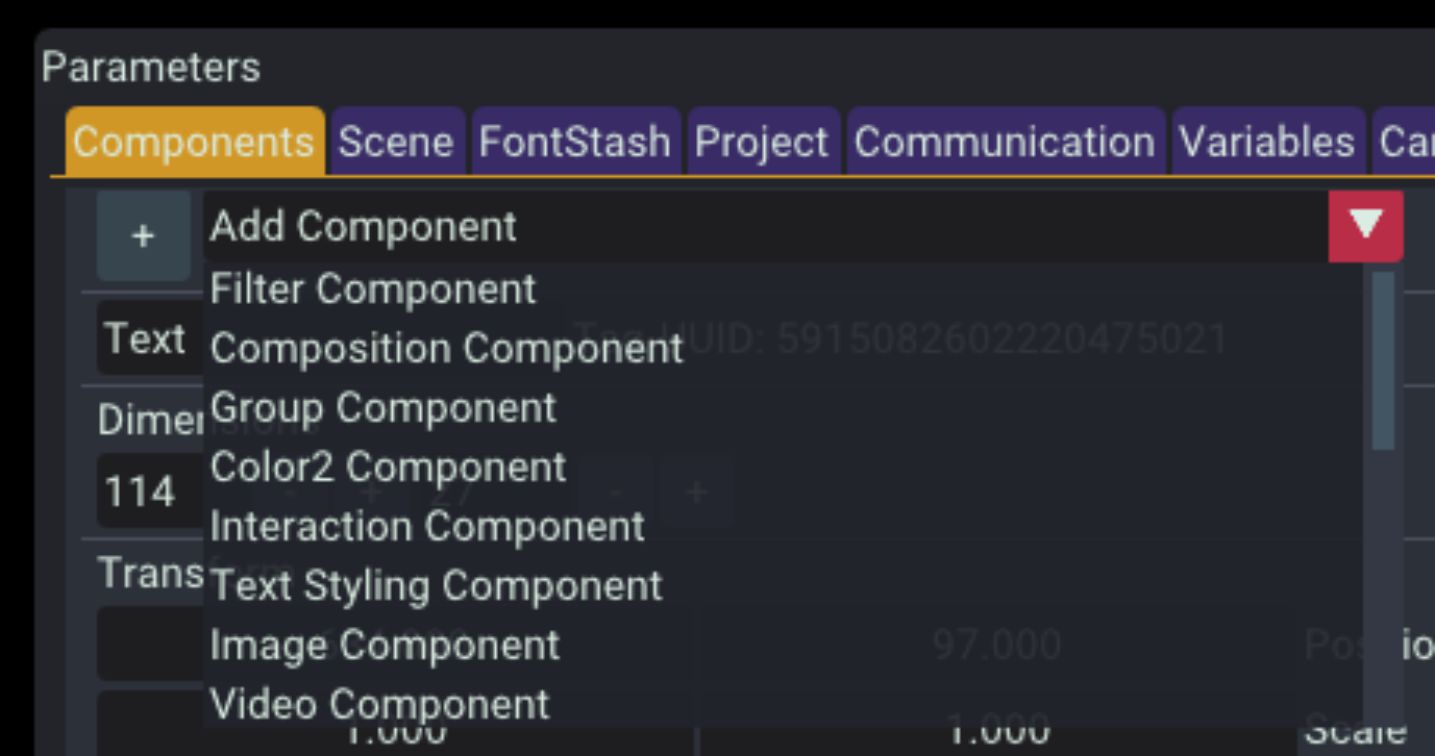
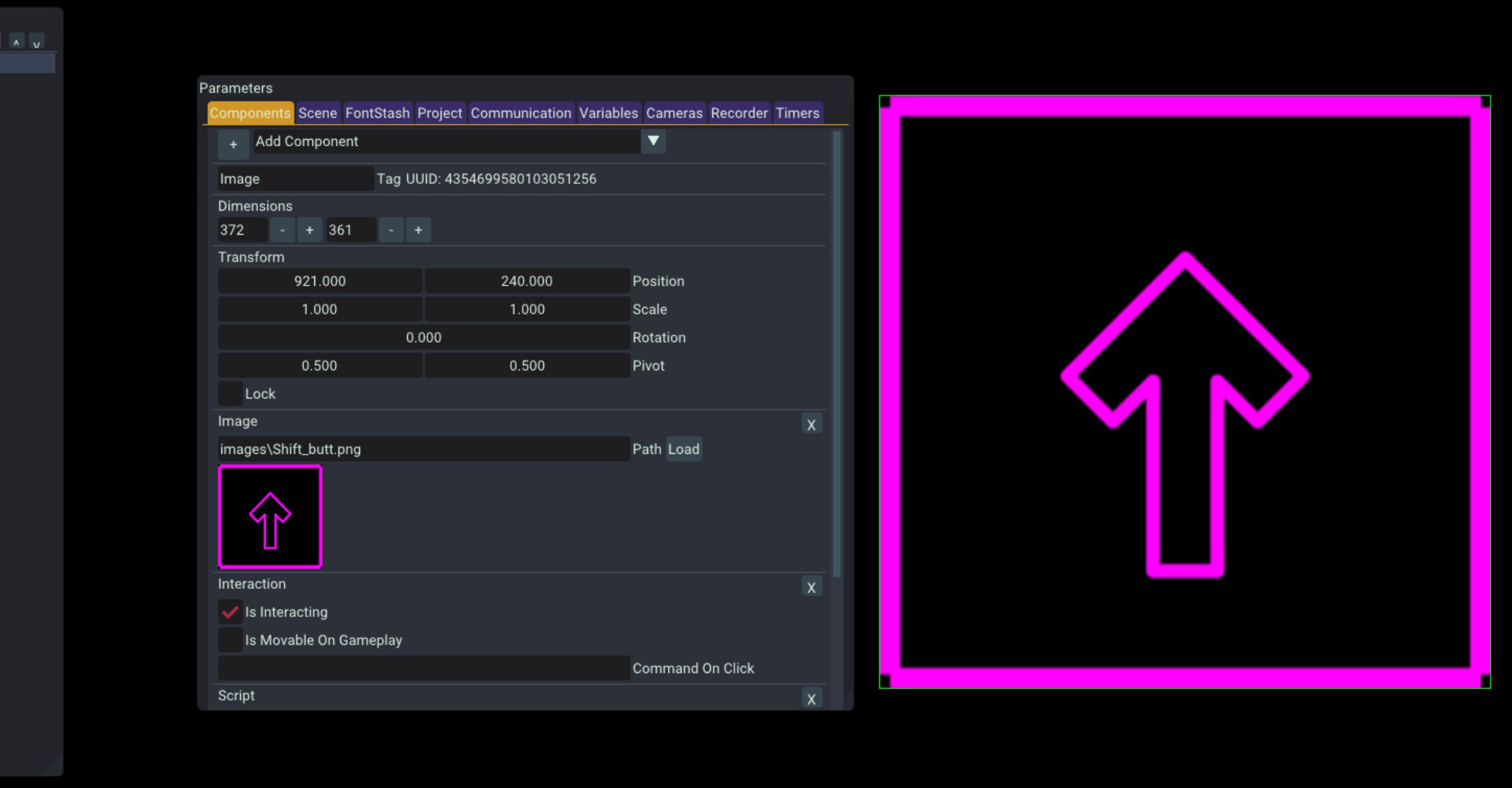
In ioframer, each scene is built from objects composed of modular components. Start from common templates—Text, Image, Video, Shape, or Script—then refine with:
- Transform and layout controls
- Rendering and styling properties
- Color, fill, and presentation options
- Optional interactive behavior
This structure lets you assemble complex interfaces visually, with minimal programming overhead.
Procedural Animation & Lua Logic
Built-in Lua scripting keeps control logic safe and focused. Use scripts to:
- React to keyboard, mouse, camera, serial, or network inputs
- Update object behavior and states
- Switch or modify scenes
- Trigger procedural animations (move, fade, scale, and more)
Animations are procedural—no timelines or keyframes required—so transitions stay smooth and responsive.
AI Integrations
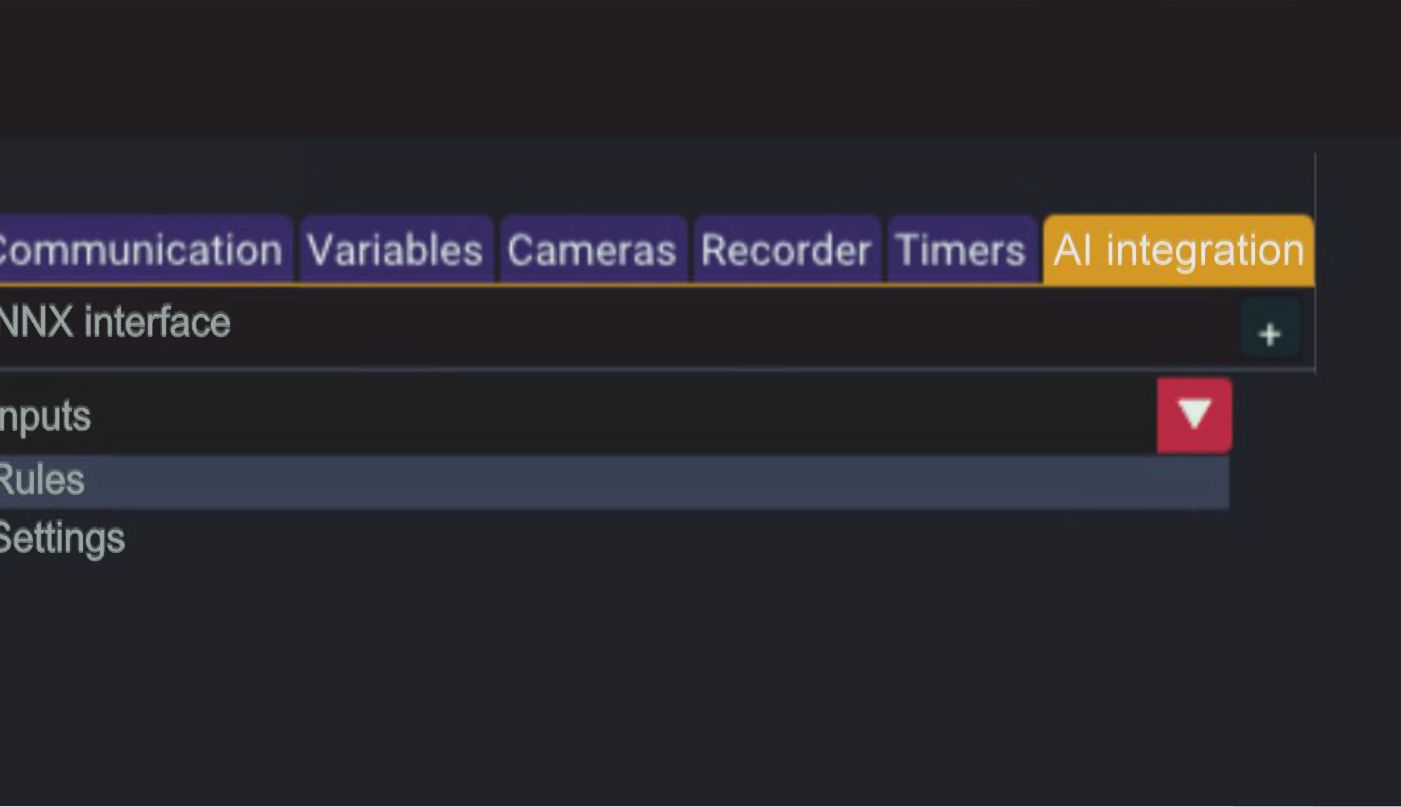
ioframer supports integration of both local and remote AI agents, enabling intelligent interaction logic inside installations and interactive systems.
The framework can connect to locally running AI engines as well as remote AI services, including popular runtimes such as:
- ONNX Runtime
- PyTorch
- TensorFlow / TensorRT
- OpenVINO
- Custom Python-based AI services
Based on ioframer’s wide range of supported inputs and internal rule logic, tasks can be dynamically formed, sent to AI for processing, and then translated into new tasks executed by ioframer-supported outputs.
Build adaptive behavior, decision-driven installations, and AI-assisted interaction flows.
Multi-Input + Multi-Window Output
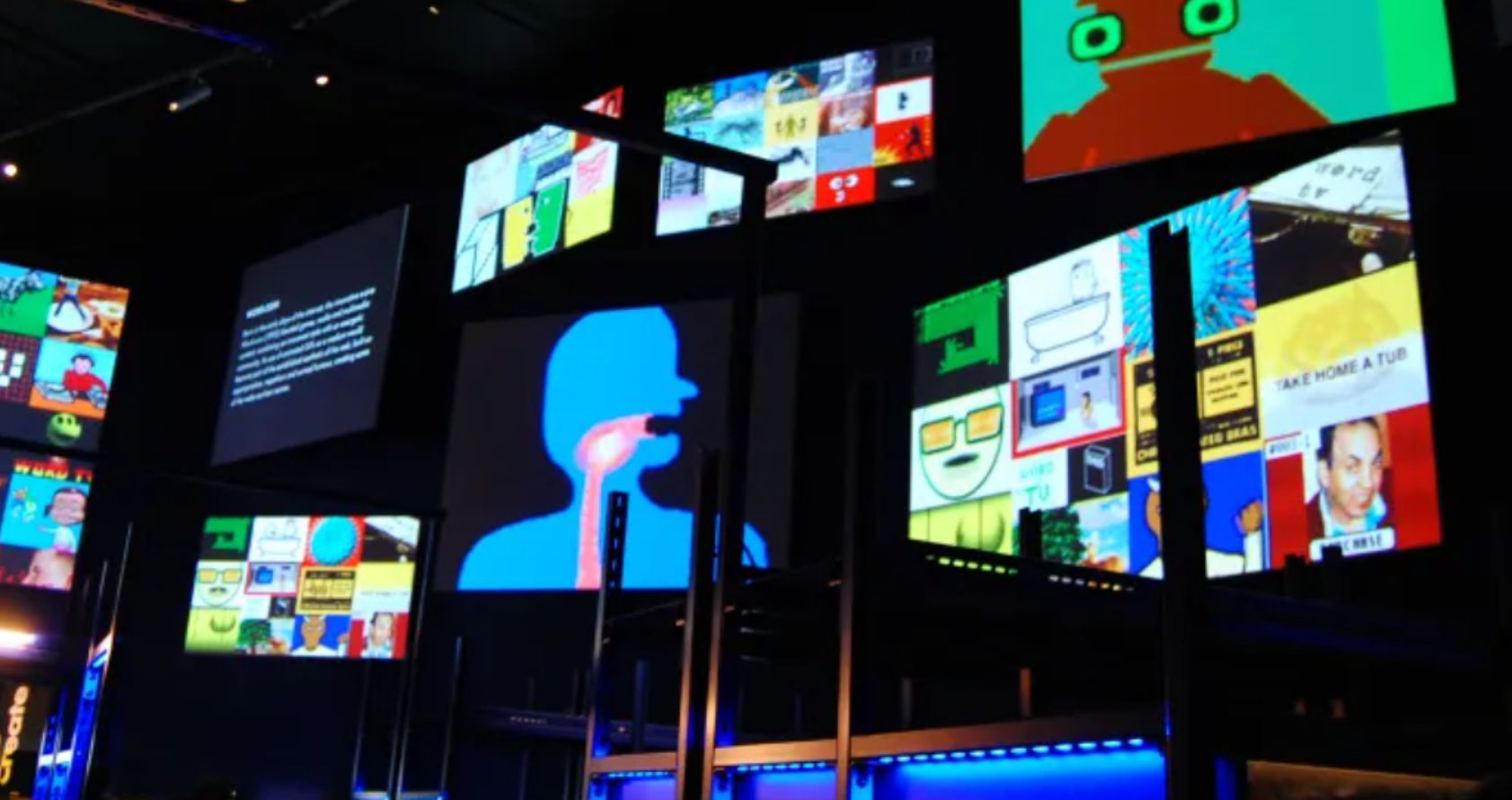
ioframer integrates with real-time environments and runs natively across multiple windows or displays—ideal for installations and live presentations. It works with:
- Keyboard & Mouse
- Camera input
- TCP / UDP streams
- Serial devices
- Spout texture sharing
Everything runs directly in ioframer — no export pipeline needed.
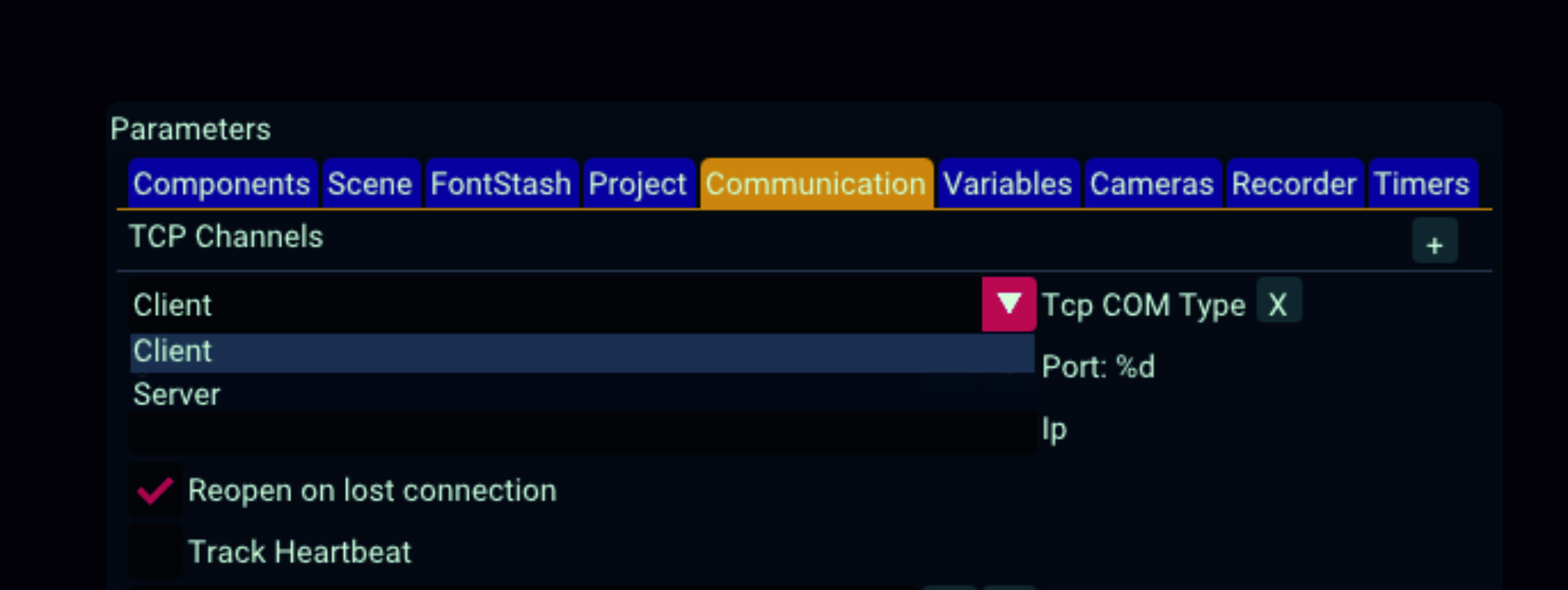
Seamless Integration
Display projects across multiple windows or screens — perfect for:
- Immersive installations
- Gallery and exhibition media
- Interactive touchscreen experiences
- Live digital presentations
- Interactive physical equipment
When to Use ioframer
Choose ioframer when you need a focused 2D interaction engine that is:
- Faster to prototype than Unity or Unreal
- More flexible and programmable than presentation software
- Simpler and more direct than full media servers
- Deep integration with hardware peripherals
ioframer provides a clean, component-driven workflow for building interactive screens, dynamic layouts, and custom visual logic—efficiently and reliably.